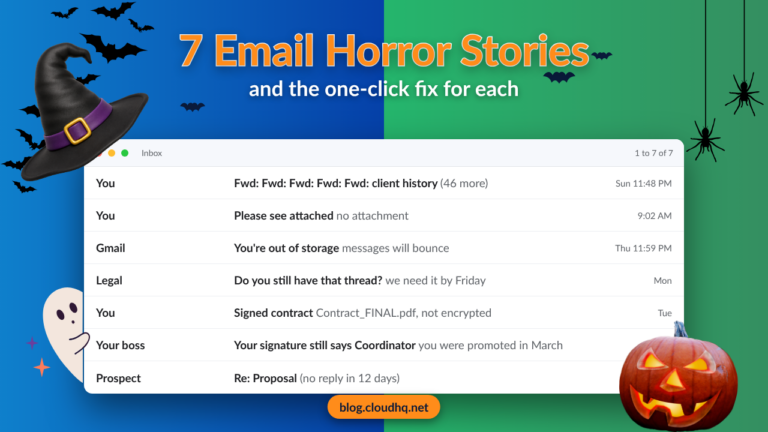
Seven email disasters everyone has lived through at least once, and the free Gmail fix that makes sure each one never happens again.
Halloween Email Signature for Gmail: Free Templates, Sign Offs, Banners
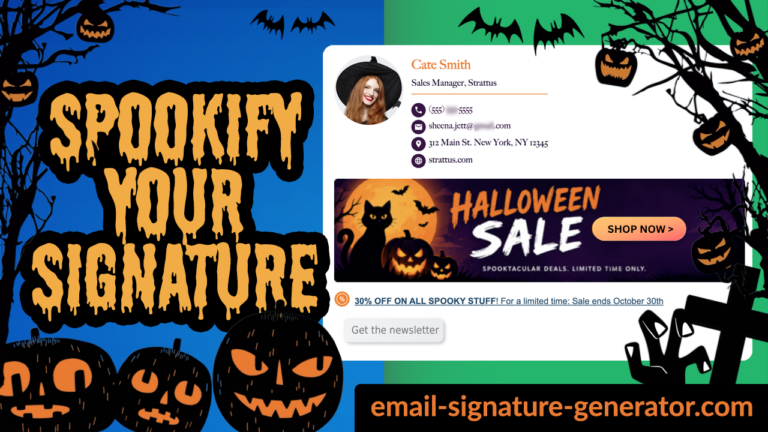
The newsletters go full pumpkin every October while your actual email signature stays the same gray text it’s been since March. Here’s how to fix that in 30 seconds, and how to make the banner earn its clicks.
Gmail to Google Drive: Drag and Drop Emails Into Your Drive Folders
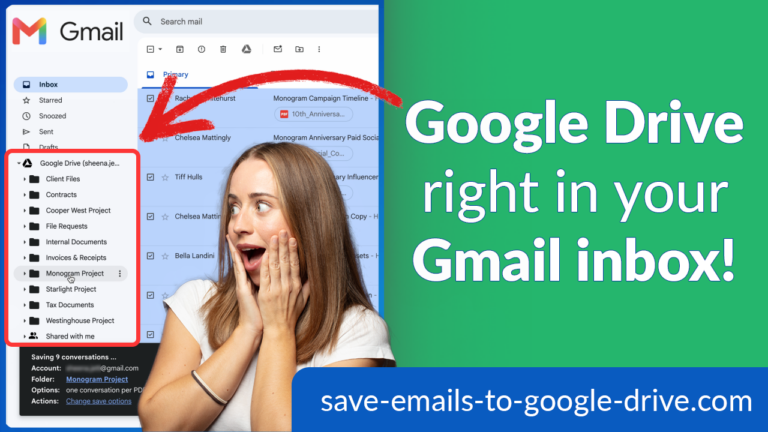
Your Google Drive folders now appear inside Gmail. Select the emails, drag them onto a Drive folder, and they’re saved there. Here’s how the new drag and drop works.
How to Redact a Scanned PDF and Keep It Searchable
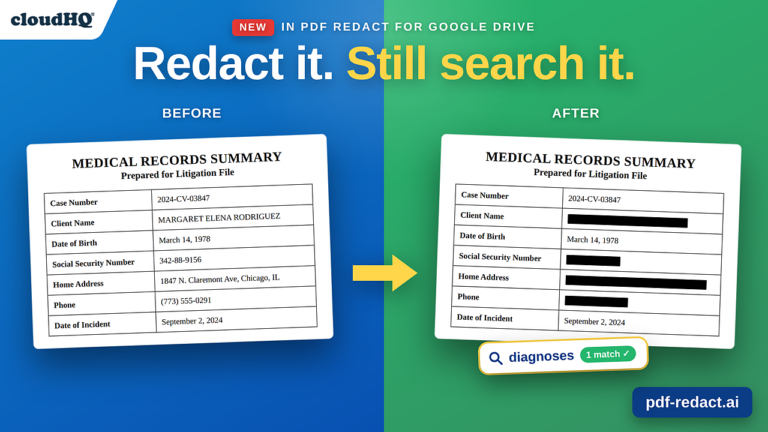
Scanned PDFs can’t be searched, and redacting one used to lose the text for good. Here’s how to convert a scan to searchable text, redact it, and keep the search.
How to Share an Email Template in Outlook With Your Team

Can you share an email template in Outlook? Not natively. Here is why, and how to share Outlook templates with your whole team so everyone sends the same one.
Multi Cloud Management: How to Share Folders Across Clouds

Your team uses one cloud. Your client uses another. Learn how cloudHQ’s Cross-Cloud Folder Sharing connects your folders and keeps files up to date automatically, so everyone can work in the cloud they already use.
300 Best Labor Day Email Subject Lines & Messages

Best Labor Day email subject lines including over 300 templates for crafting the perfect Labor Day messages to clients, employees, and social media.
All 28 Grok Voices, Explained (With Samples)
xAI went from five Grok voices to 28, each cast for a specific job: support, narration, commentary, advertising, education. Here is the complete roster with tone labels, samples you can play, and a practical guide to picking the right voice.
Back to School: 5 Essential Apps for Educators

Make back to school easier with 5 essential apps for teachers to edit PDFs, create visual instructions, manage emails, protect student data, and collect feedback.